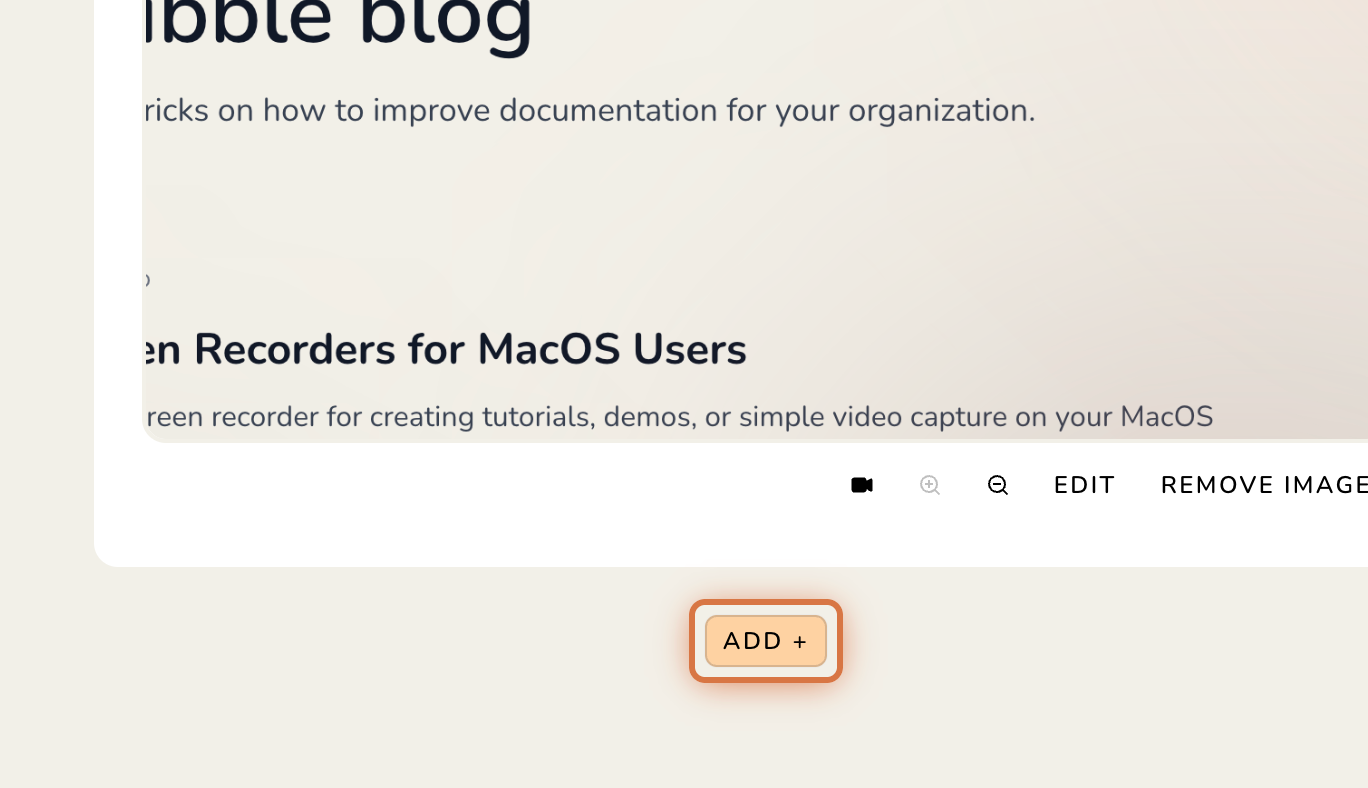
1. Open a guide in the editor and click ADD + where you’d like to add a new step.
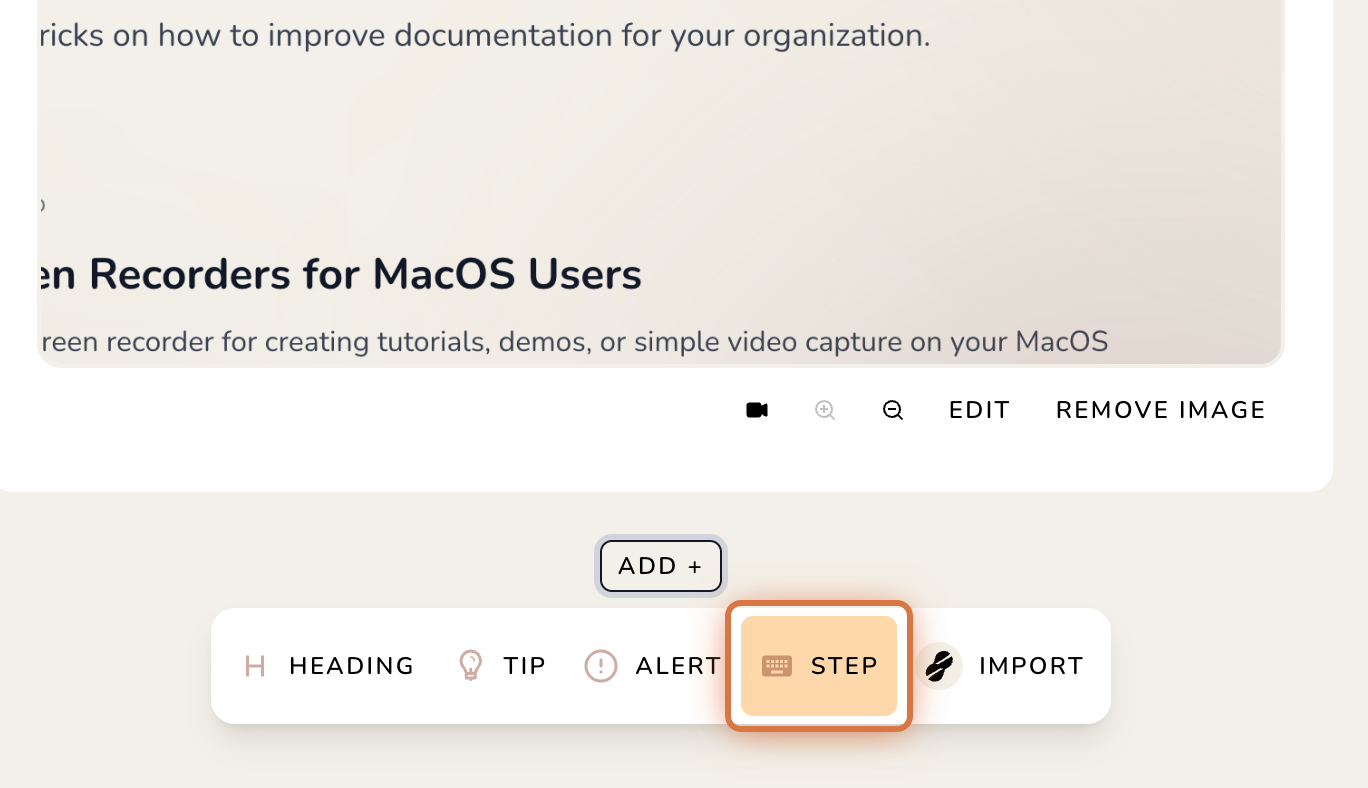
2. Select STEP.
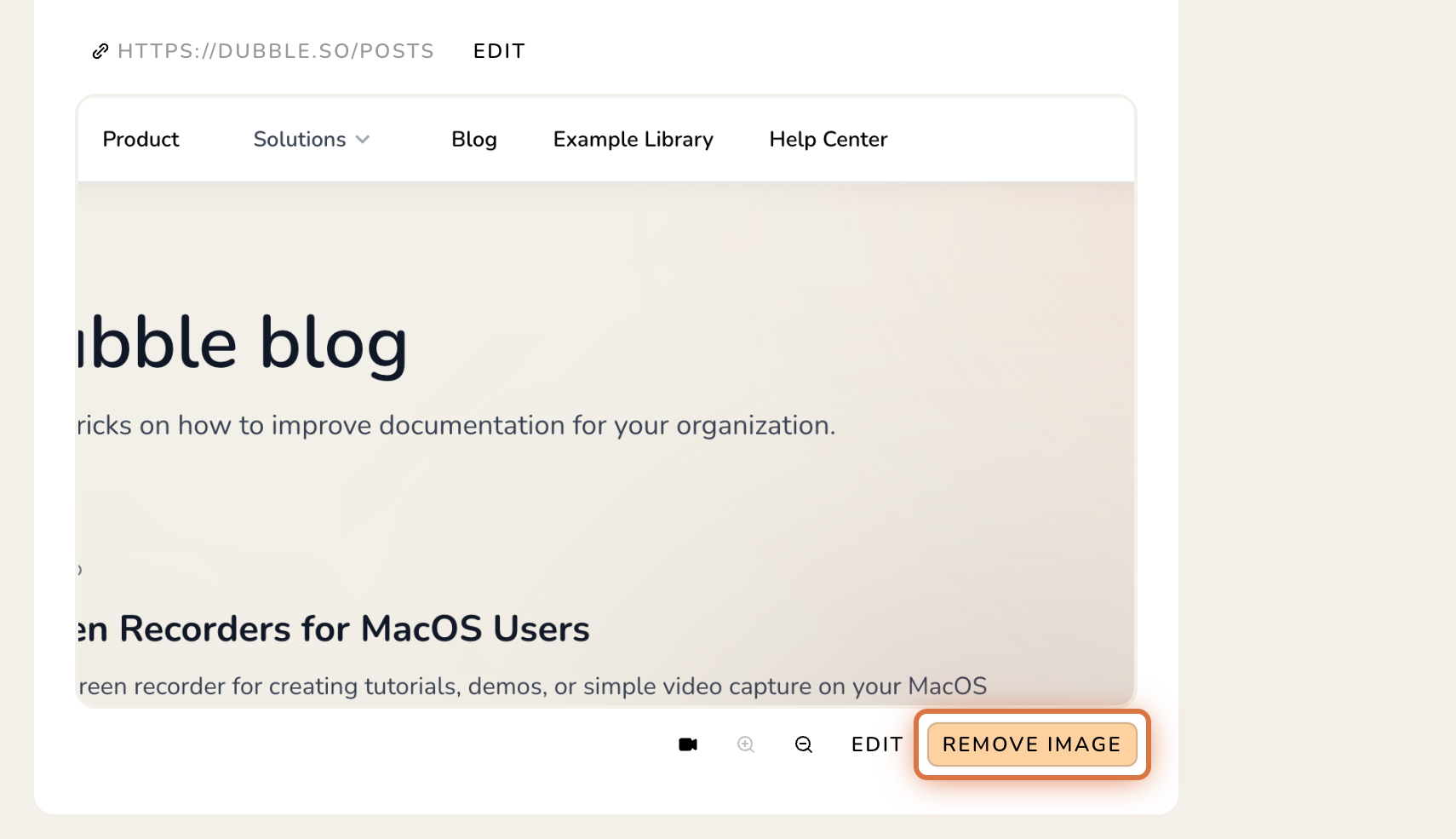
3. Click REMOVE IMAGE.
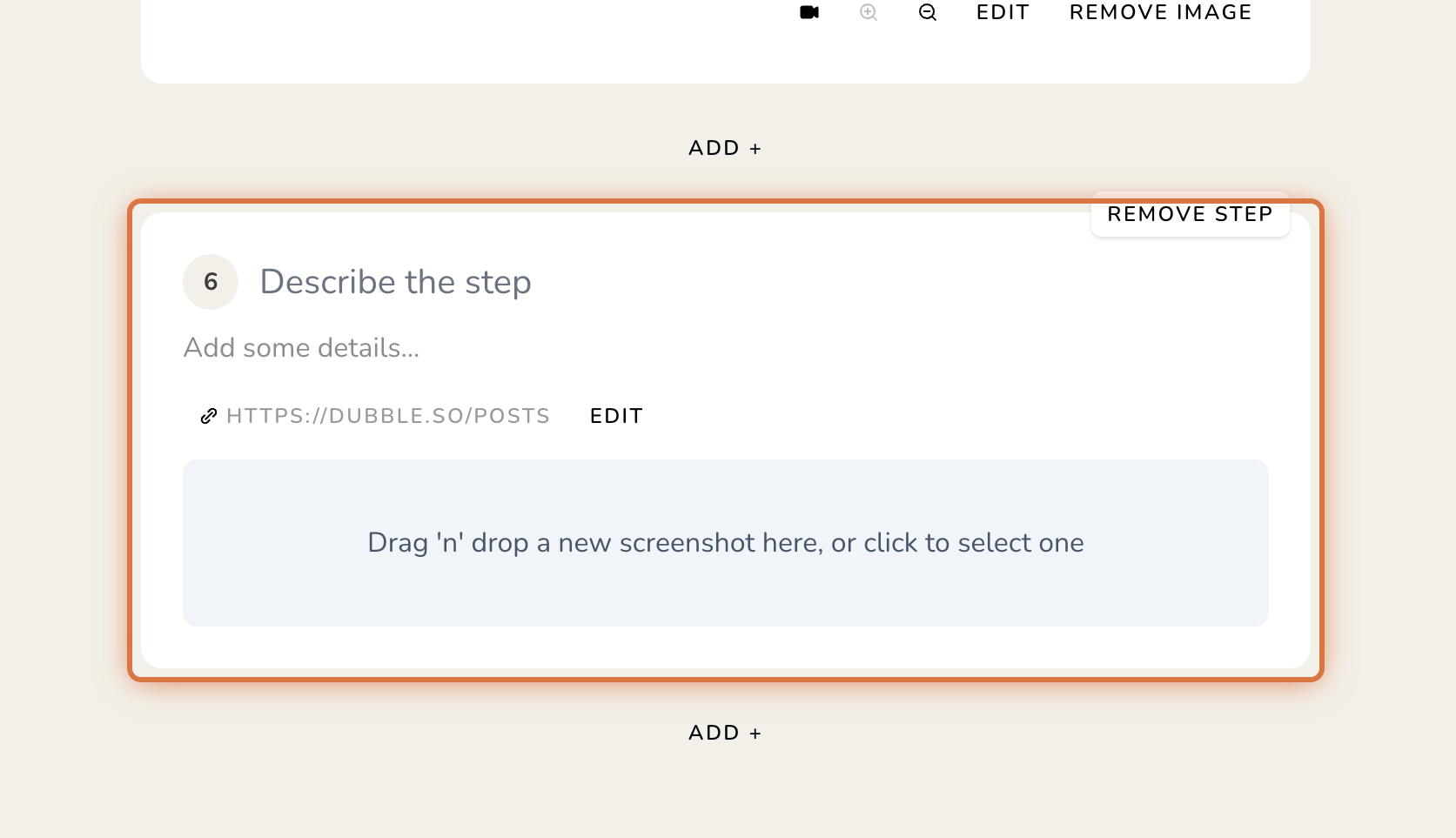
4. Add your step title, description, and link (optional).
Adding steps to guides
Add, remove and import various elements in your guides.