
1. Open the guide you'd like to link to and scroll to the step you want.
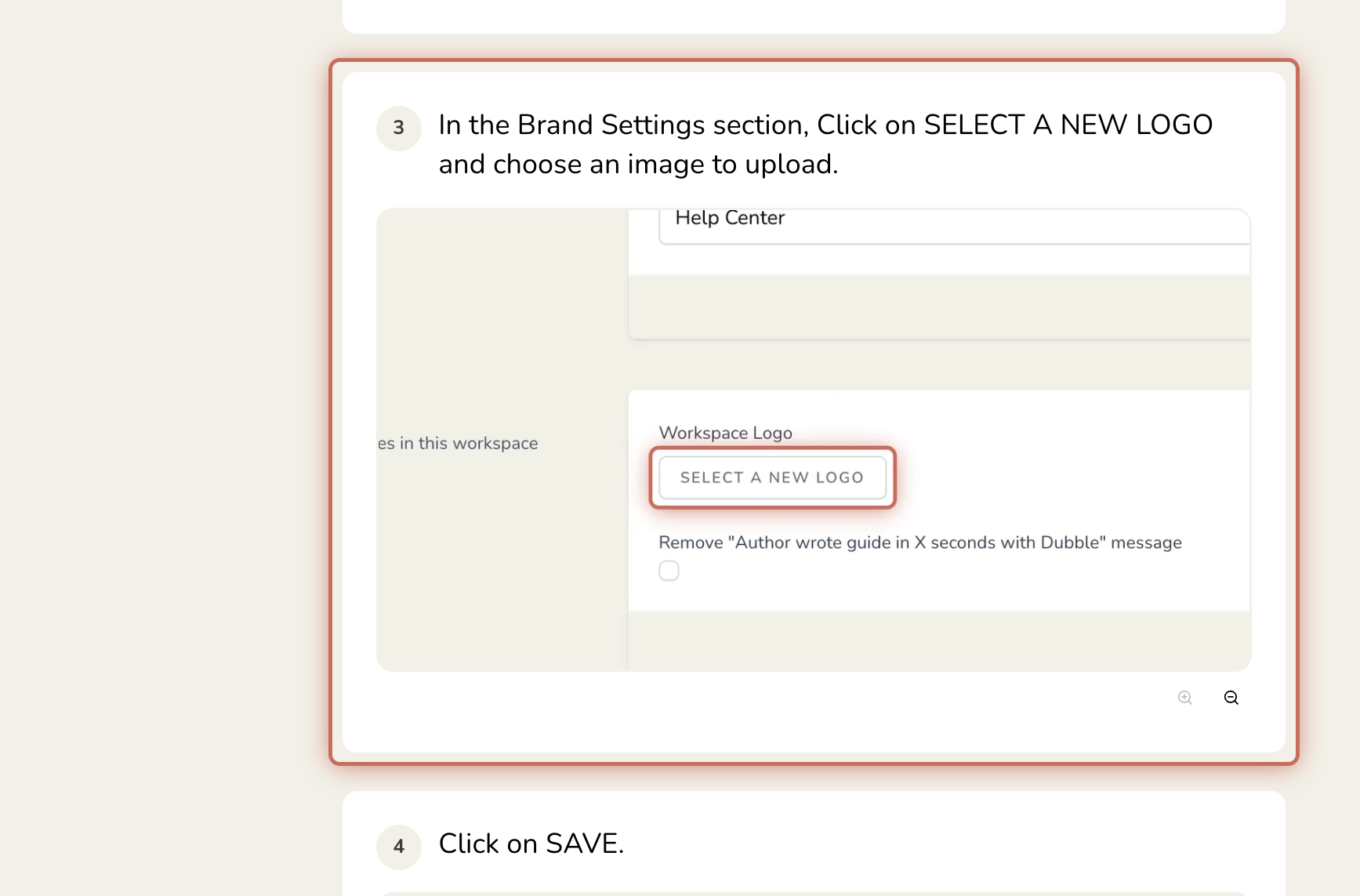
2. Hover over the step number, and it'll change to a link icon. Click it to copy a link to that specific step.
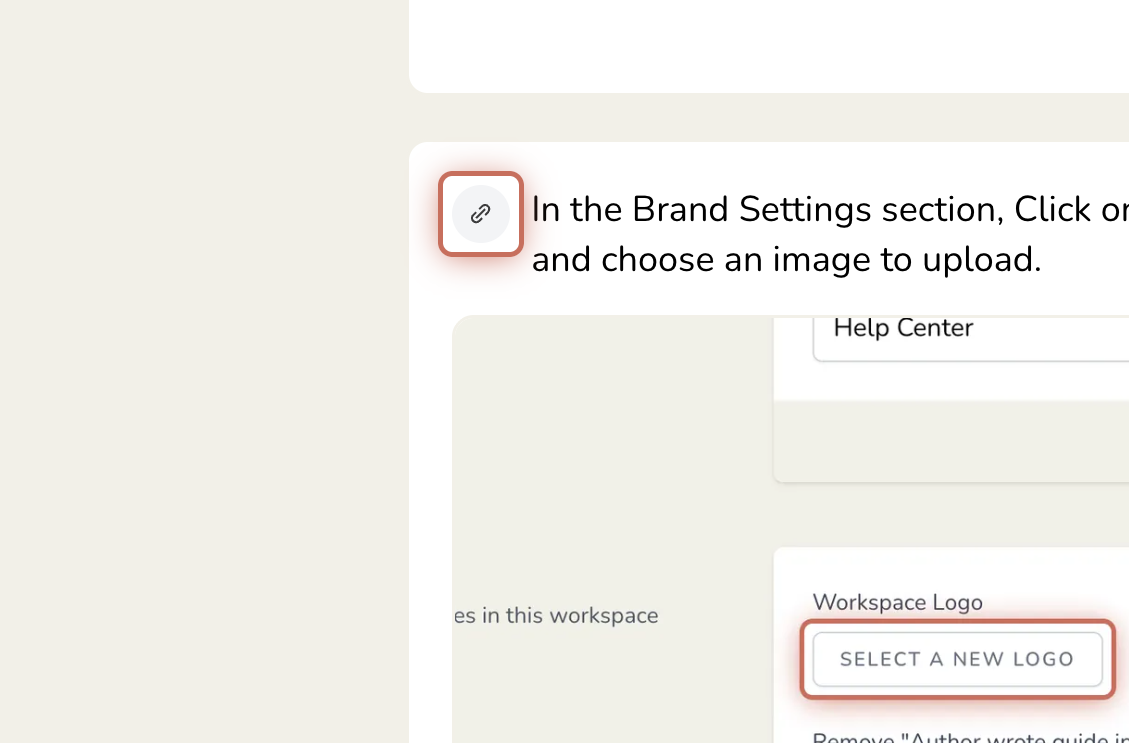

Share this link with viewers to jump straight to that step. It still follows your guide's existing share link and privacy level settings.