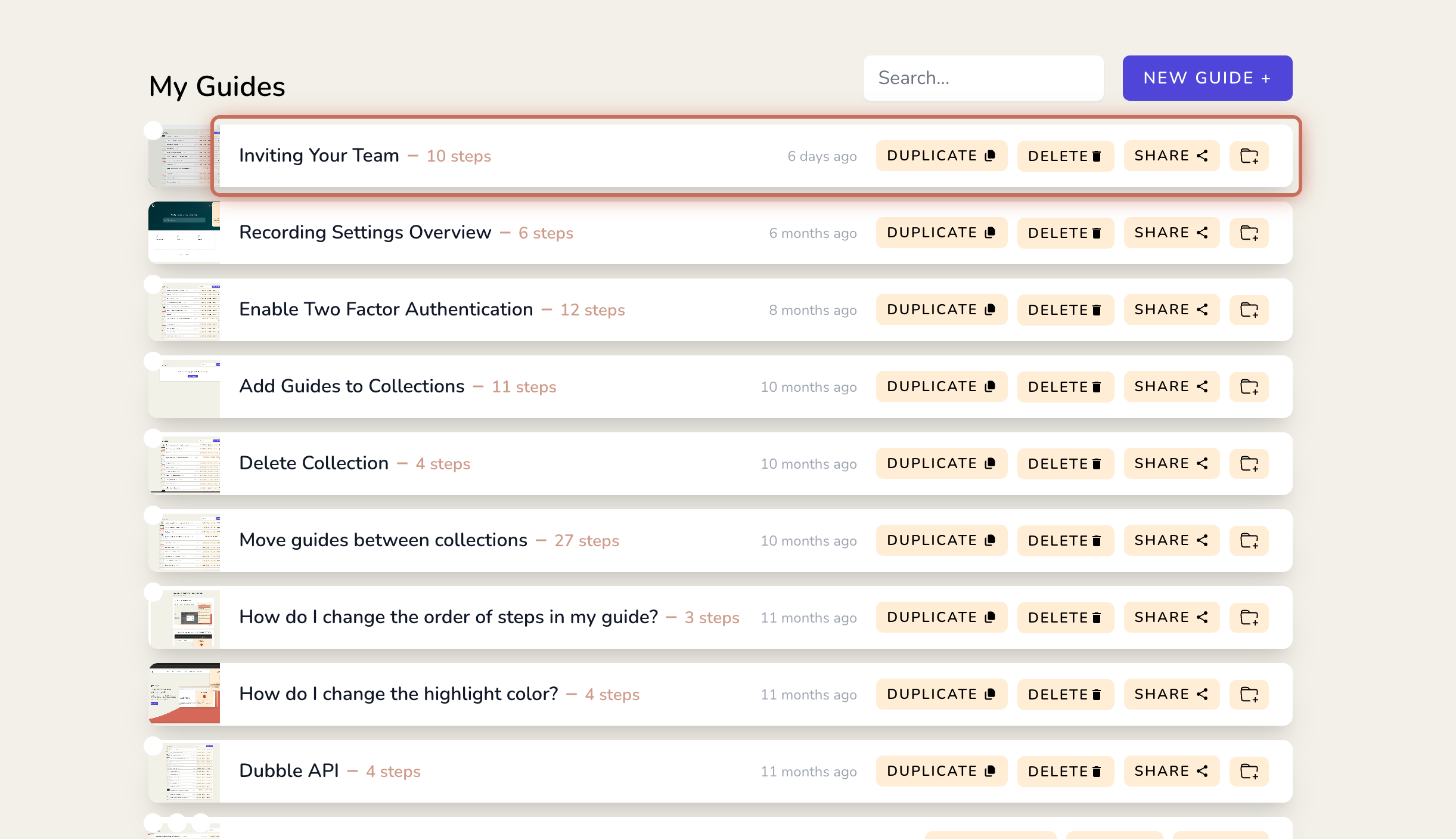
1. From the dashboard, open a guide.
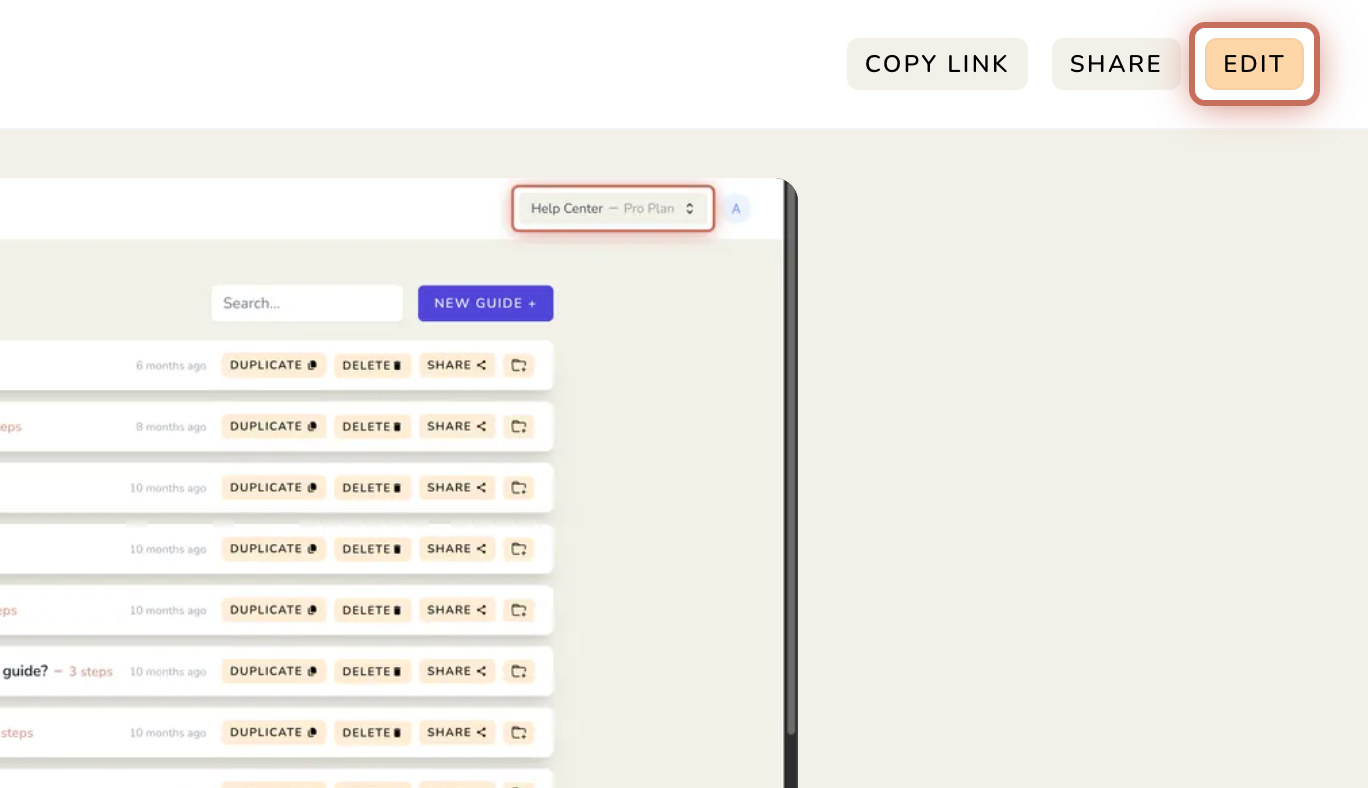
2. Click EDIT.
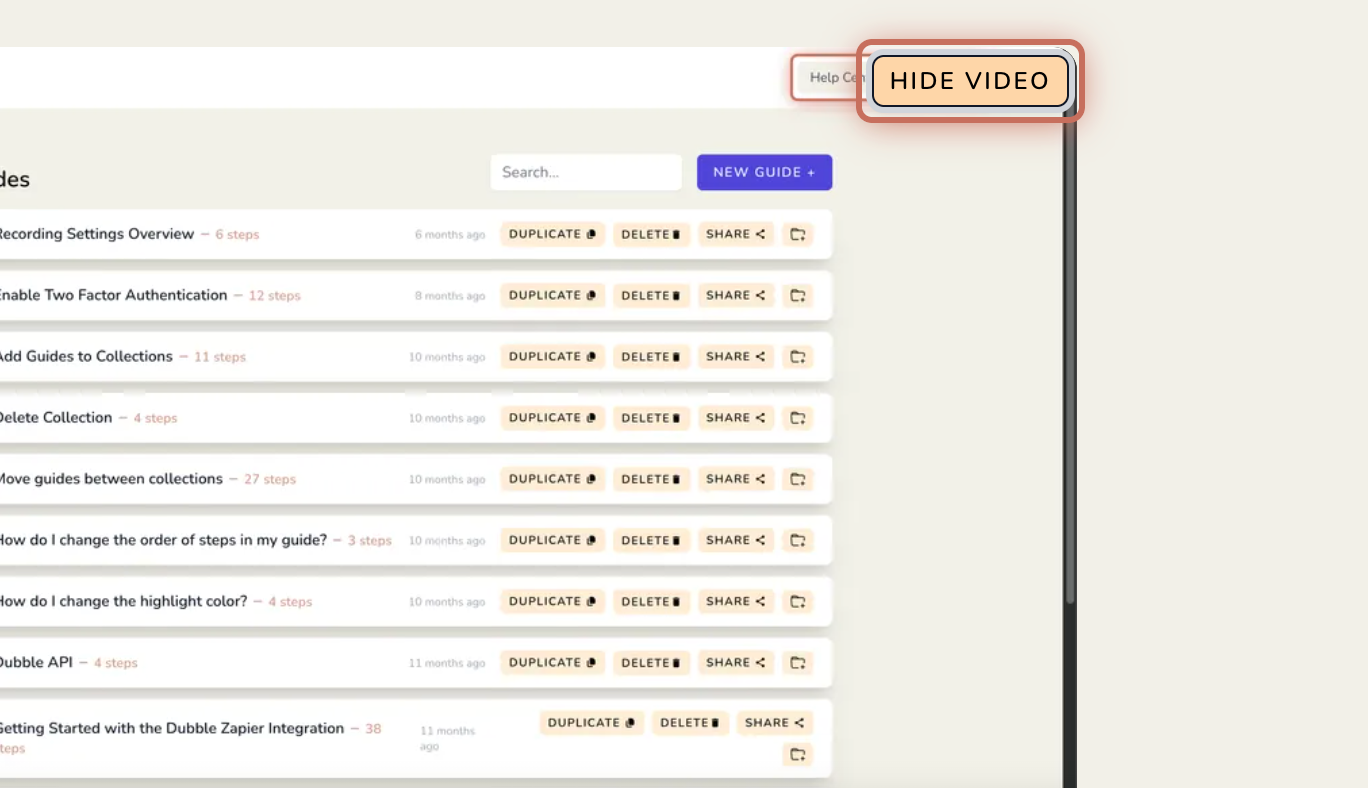
3. Click HIDE VIDEO in the top right.
1. If a screen recording video was previously hidden, click SHOW VIDEO in the top right.
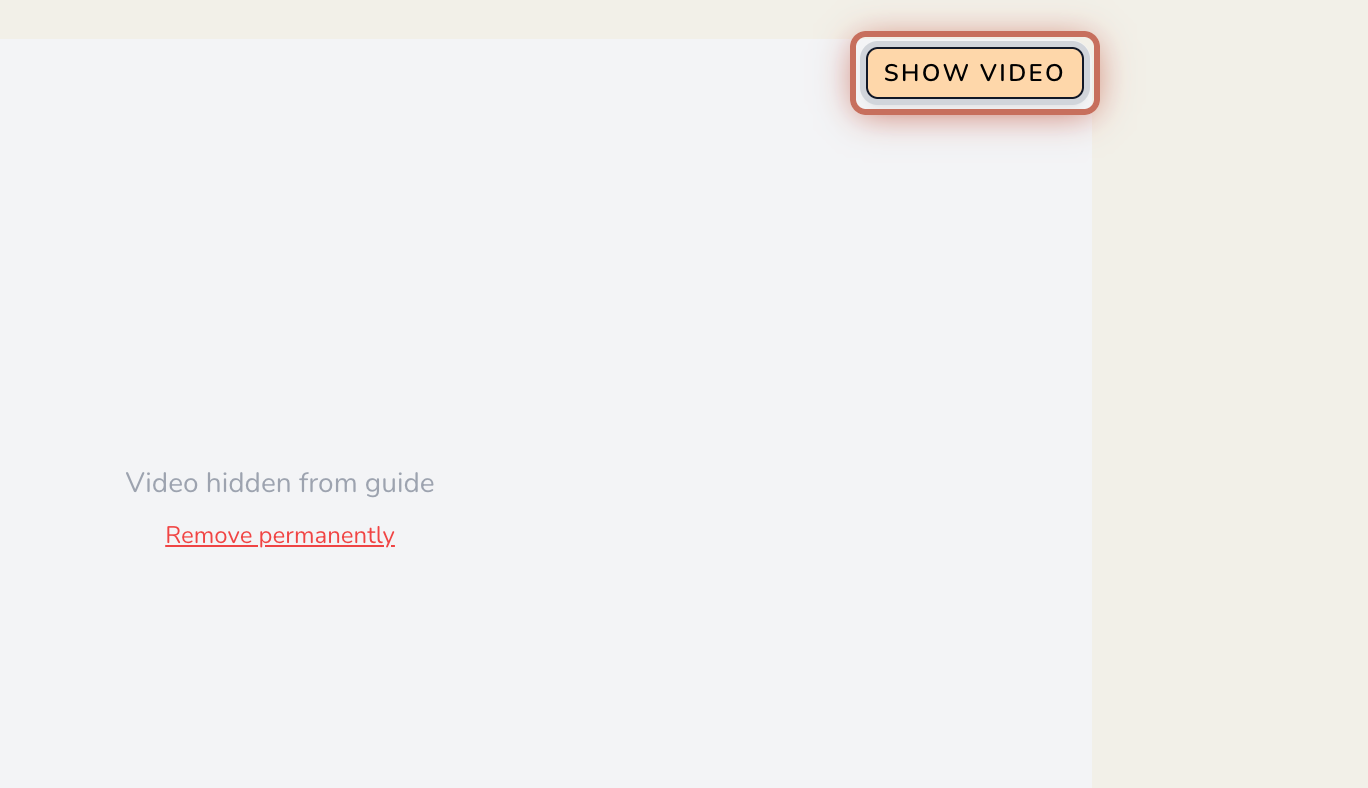
1. Click HIDE VIDEO in the top right.
2. With the video hidden, click Remove permanently.
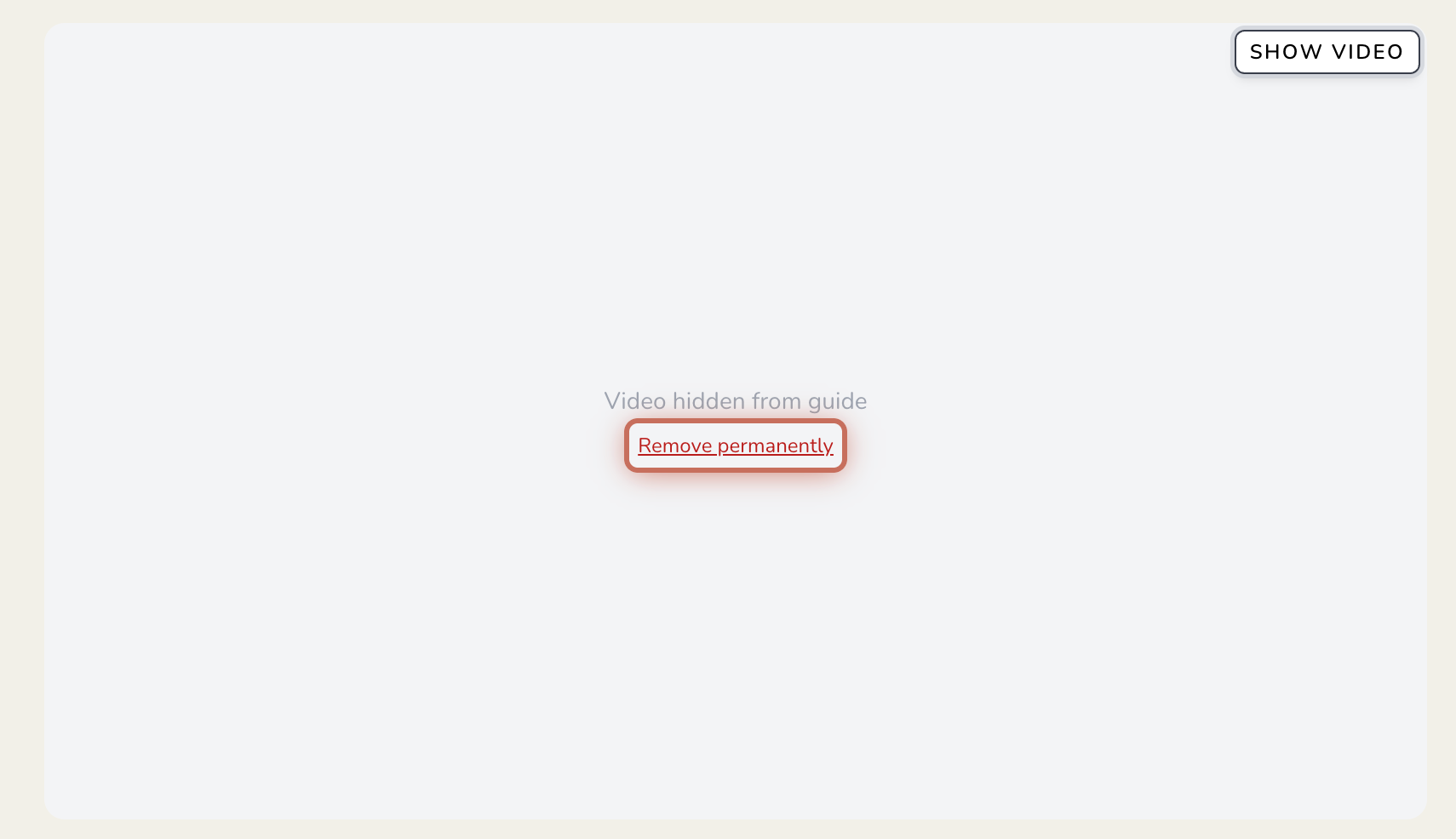
You'll be asked to confirm before it’s permanently deleted.
If you’d like to keep a copy of your video, you can download it at any time.
Download a video
Download a screen recording directly from your guides.