company logo

Help center

Go to Dubble
Powered by
All collectionsQuick TipsEditing GuidesHow do I reorder steps in my guide?

How do I reorder steps in my guide?

Change the order of steps in guides.

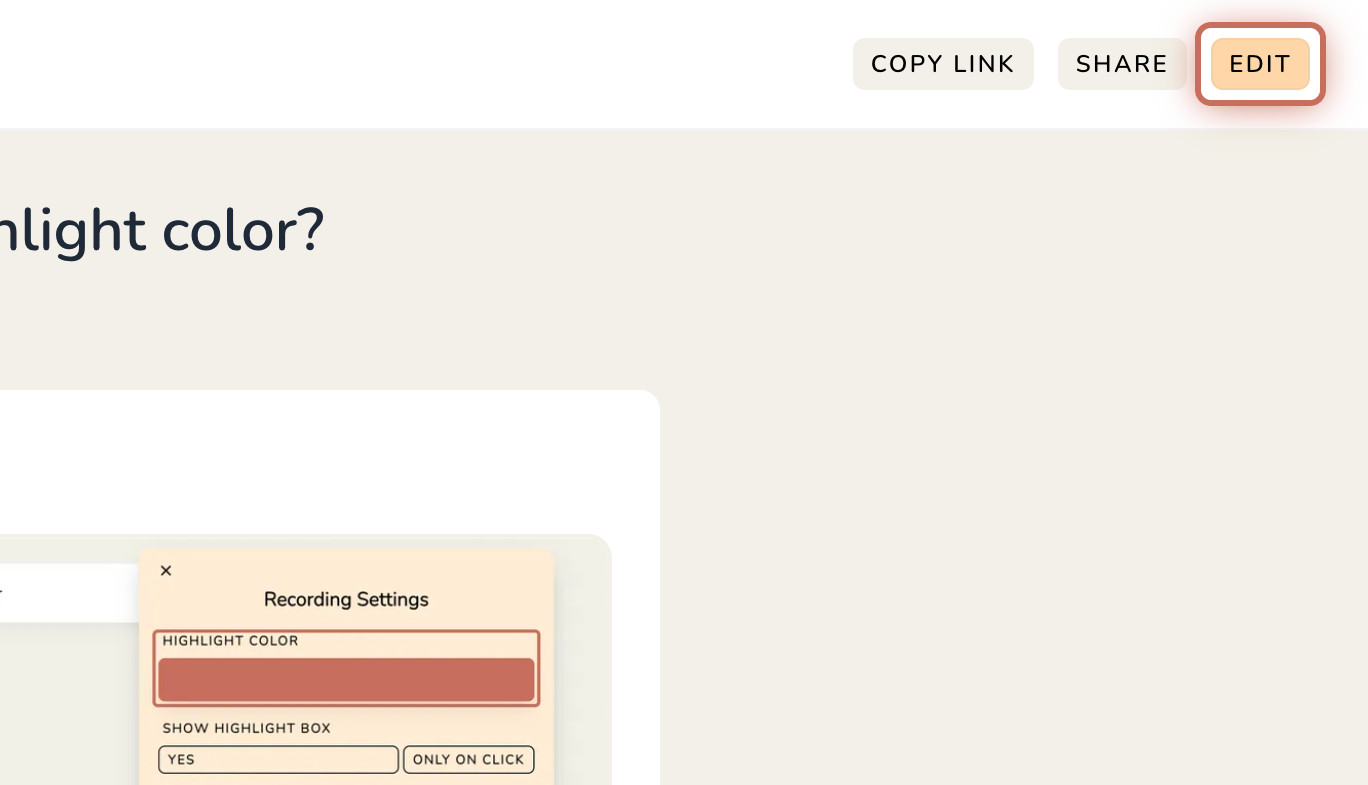
1. Open your guide and click EDIT.

2. In the sidebar, click and drag the step you want to move, and release.

Did this answer your question?
😞
😐
😁