company logo

Help center

Go to Dubble
Powered by
All collectionsQuick TipsCreating GuidesHow do I change the highlight color?

How do I change the highlight color?

Update the highlight color used in guides to match your branding.

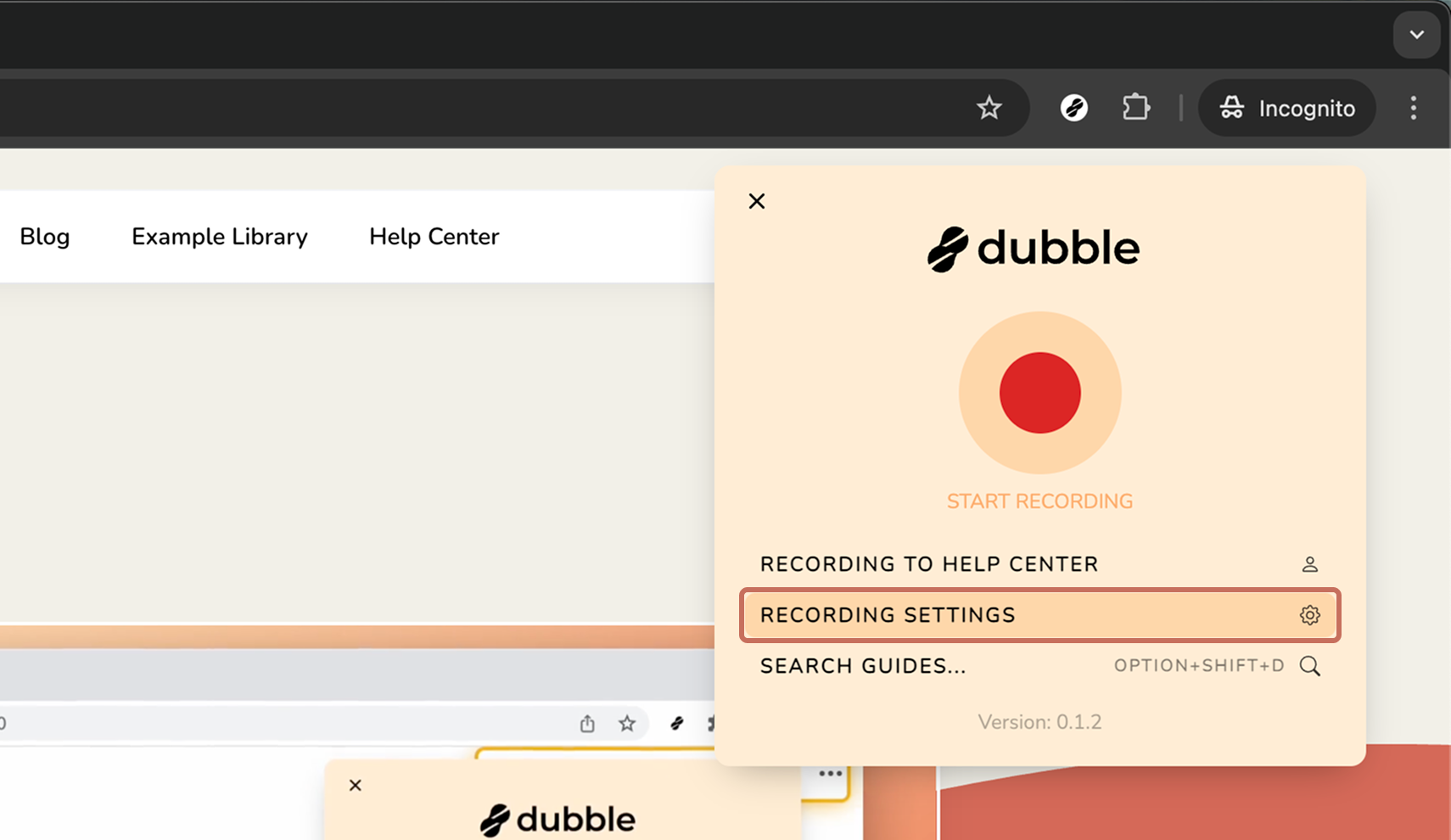
1. Open the Dubble app/extension and click RECORDING SETTINGS.

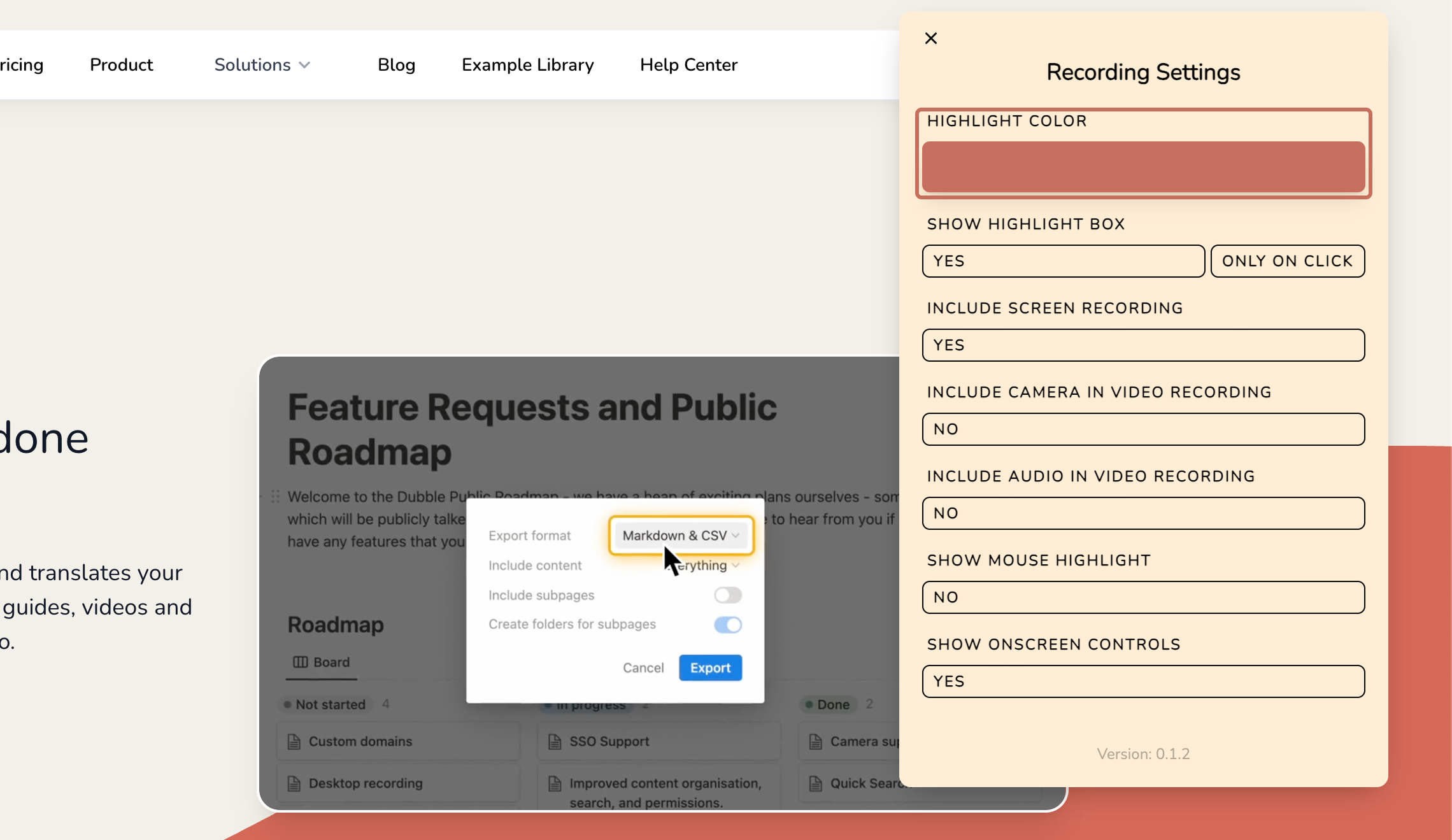
2. Click HIGHLIGHT COLOR.

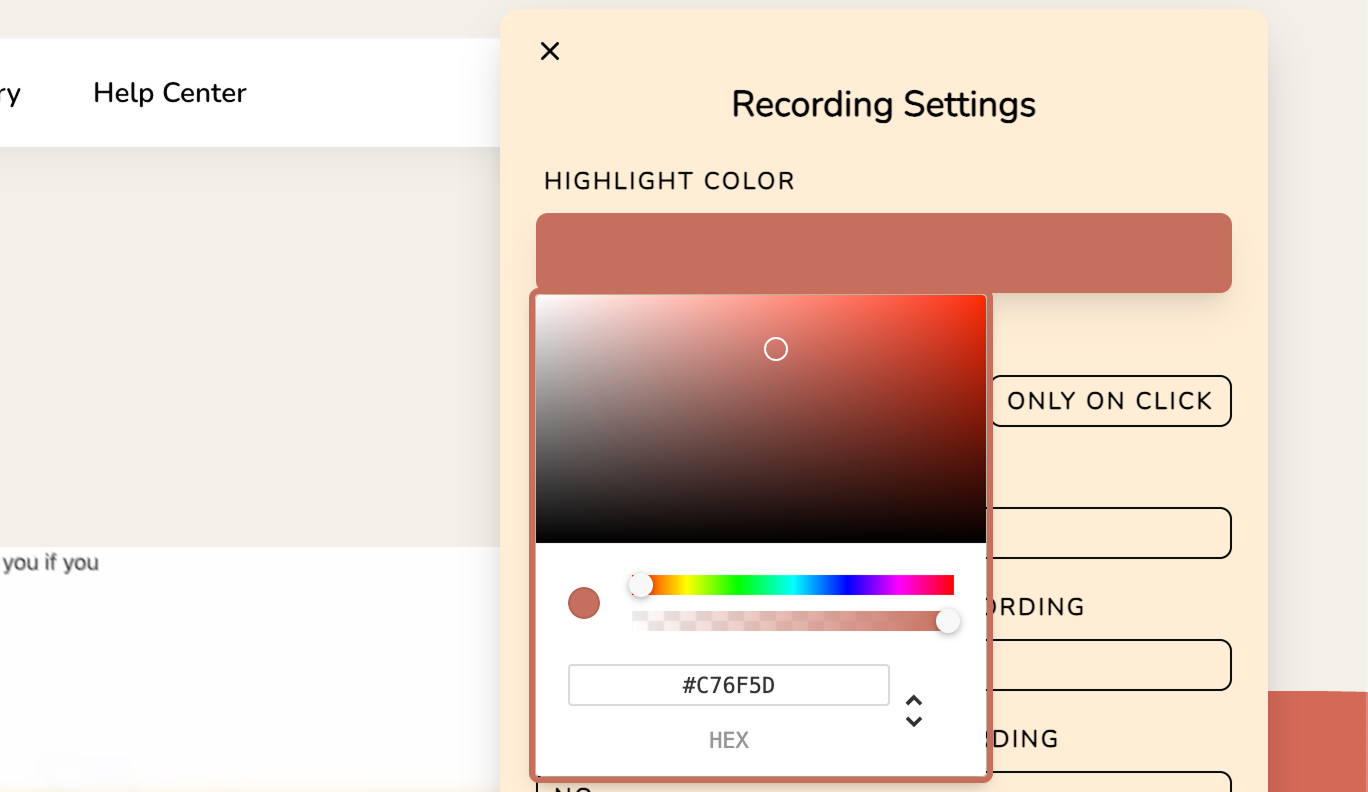
3. Choose a new highlight color using the color picker.

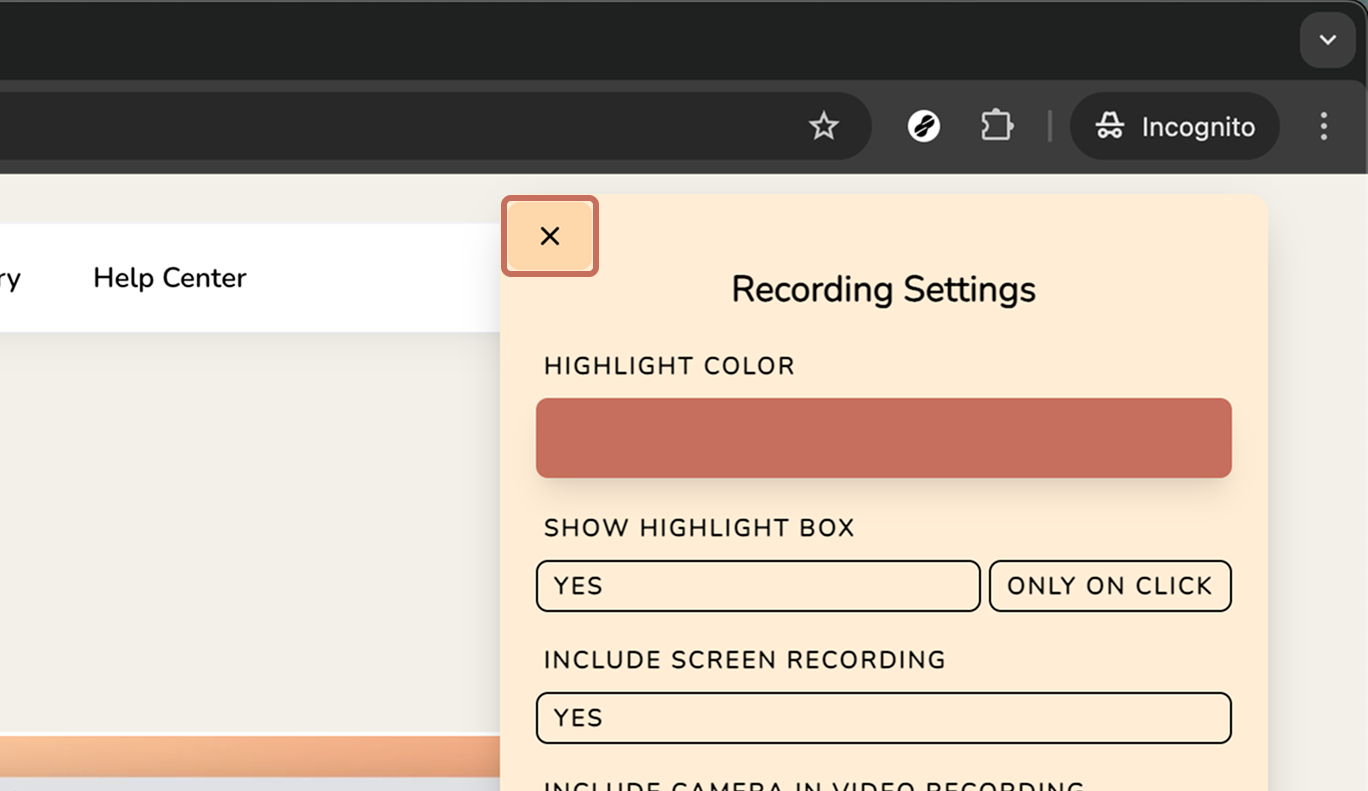
4. Close the Recording Settings and click START RECORDING to begin recording a guide.
info icon
You can optionally save your changes as the default for your workspace.

Did this answer your question?
😞
😐
😁